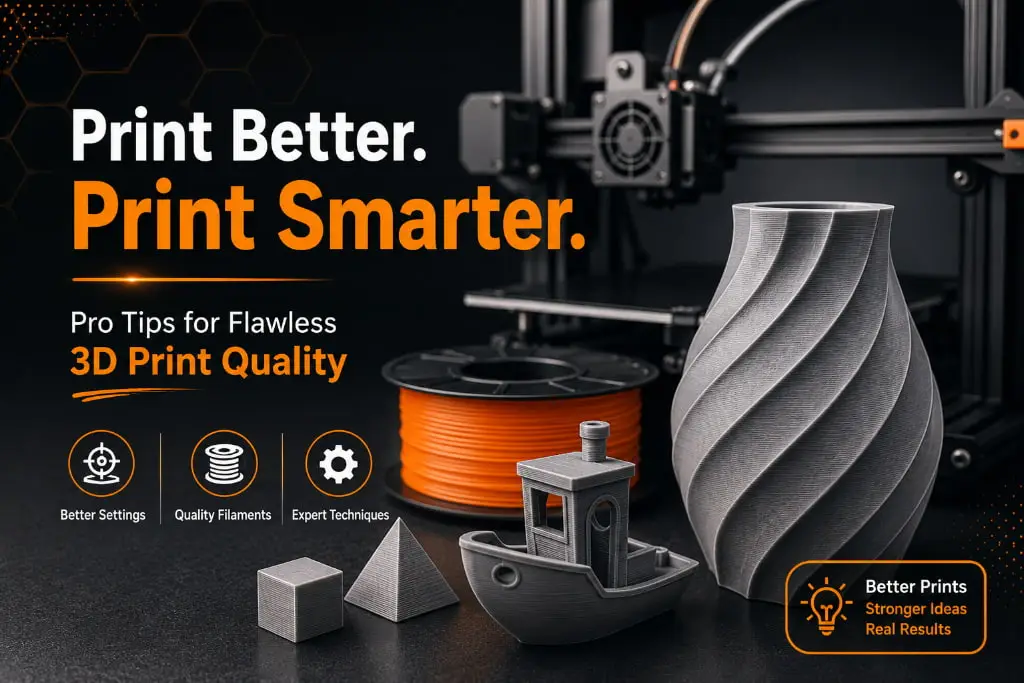
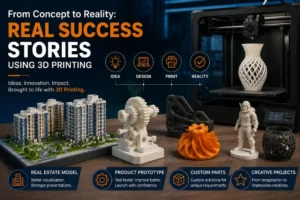
3D printing has revolutionized the way people create prototypes, custom products, and functional parts. Whether you are a hobbyist, engineer, architect, or business owner, achieving high-quality prints is essential. While modern 3D printers are more advanced than ever, getting professional-looking results requires more than simply pressing the print button. From choosing the right filaments to optimizing printer settings, several factors influence the final outcome.
In this guide, we’ll explore practical ways to improve your 3D print quality like a professional and ensure your projects look clean, accurate, and durable.
Start with a High-Quality 3D Model
Every successful 3D printing project begins with a well-designed 3D model. Even the best printer cannot compensate for design flaws. Before printing, check your model for errors such as overlapping surfaces, holes, or incorrect dimensions.
Using professional design software and properly preparing files can significantly reduce printing issues. If you’re not comfortable creating models yourself, working with an experienced design team can save time and improve results.
Choose the Right Filaments
The quality of your filaments plays a major role in determining the quality of the final print. Different materials offer different strengths, flexibility, and surface finishes.
Some commonly used filaments include:
- PLA for easy and reliable printing
- PETG for durability and strength
- ABS for heat-resistant applications
- TPU for flexible parts
Always purchase quality filaments from trusted suppliers. Low-quality materials may contain impurities or inconsistent diameters, leading to poor layer adhesion and visible defects. Proper storage is also important, as moisture can damage filaments and affect print quality.
Optimize Layer Height Settings
Layer height directly affects the appearance of a print. Smaller layer heights create smoother surfaces and finer details but increase printing time. Larger layer heights reduce print time but may result in visible layer lines.
For most standard 3D printing applications, a layer height between 0.1 mm and 0.2 mm provides an excellent balance between detail and efficiency. Choosing the right setting depends on the purpose of your project and the desired finish.
Calibrate Your Printer Regularly
Printer calibration is one of the most overlooked aspects of improving print quality. Proper calibration ensures accurate dimensions, smooth extrusion, and better layer adhesion.
Key calibration tasks include:
- Bed leveling
- Nozzle height adjustment
- Extruder calibration
- Belt tension checks
Regular maintenance helps prevent common printing problems such as warping, shifting layers, and uneven surfaces.
Adjust Print Speed for Better Results
Many users try to print as quickly as possible, but excessive speed often reduces quality. Slower print speeds allow the printer to place material more accurately, resulting in cleaner edges and improved detail.
For highly detailed parts, reducing print speed can make a noticeable difference. While faster settings may save time, professional-quality prints often require patience.
Maintain Proper Printing Temperature
Every material has an optimal printing temperature range. If the temperature is too low, layers may not bond properly. If it’s too high, you may experience stringing, blobs, or surface imperfections.
Always follow the manufacturer’s recommended temperature guidelines and perform test prints when using new filaments. Fine-tuning temperatures can significantly improve print consistency and appearance.
Improve Cooling and Ventilation
Cooling is especially important for achieving sharp details and preventing deformation. Most 3D printers include cooling fans that help solidify material quickly after extrusion.
For materials like PLA, proper cooling improves surface quality and overhang performance. However, some materials such as ABS may require controlled cooling to prevent cracking or warping. Understanding the cooling requirements of different filaments is essential for professional results.
Use High-Quality Printing Services When Needed
Not every project is suitable for home printing. Complex prototypes, detailed models, and industrial components often require advanced equipment and expertise.
Choosing the best printing service can help ensure exceptional accuracy, superior surface finish, and reliable production quality. Professional providers use advanced machines, premium materials, and expert workflows to deliver results that meet industry standards.
Post-Processing Makes a Difference
Even great prints can be improved through post-processing. Depending on the material and application, techniques such as sanding, polishing, painting, and coating can enhance the final appearance.
Professional post-processing helps create products that look polished, premium, and ready for presentation or end-use applications.
Partner with Experts for the Best Results
Achieving professional-quality 3D printing results requires the right combination of design, materials, printer settings, and experience. Whether you need prototypes, architectural models, custom products, or industrial parts, expert guidance can help you avoid costly mistakes and achieve outstanding results.
At 3DReality, we are experts in 3D printing and custom 3D model development. We work closely with individuals, startups, engineers, architects, and businesses to transform ideas into reality. From standard 3D printing projects to advanced prototyping solutions, our team can create high-quality 3D models and customized products based on your requirements. If you’re looking for reliable support and the best printing service in Nagpur, contact us today. Together, we can create the 3D models, prototypes, and innovative solutions you need.
Conclusion
Improving 3D print quality like a professional doesn’t require expensive equipment alone. Success comes from u sing quality filaments, optimizing printer settings, maintaining your machine, and understanding the unique requirements of each project. By following these best practices, you can consistently achieve cleaner, stronger, and more visually appealing prints.
Whether you’re printing for personal projects or business applications, investing time in quality improvements will lead to better results and greater satisfaction with every print.
FAQ’s
Q1. How can I improve 3D print quality?
Use high-quality filaments, calibrate your printer regularly, and optimize print settings.
Q2. Does layer height affect 3D print quality?
Yes, lower layer heights generally produce smoother and more detailed prints.
Q3. Which filament is best for high-quality prints?
PLA is a great choice for beginners, while PETG and ABS are suitable for more demanding applications.
Q4. Why are my 3D prints showing visible layer lines?
This can be caused by high layer heights, improper calibration, or incorrect print settings.
Q5. Is professional 3D printing service better than home printing?
For complex, detailed, or industrial-grade projects, professional services often deliver better results.